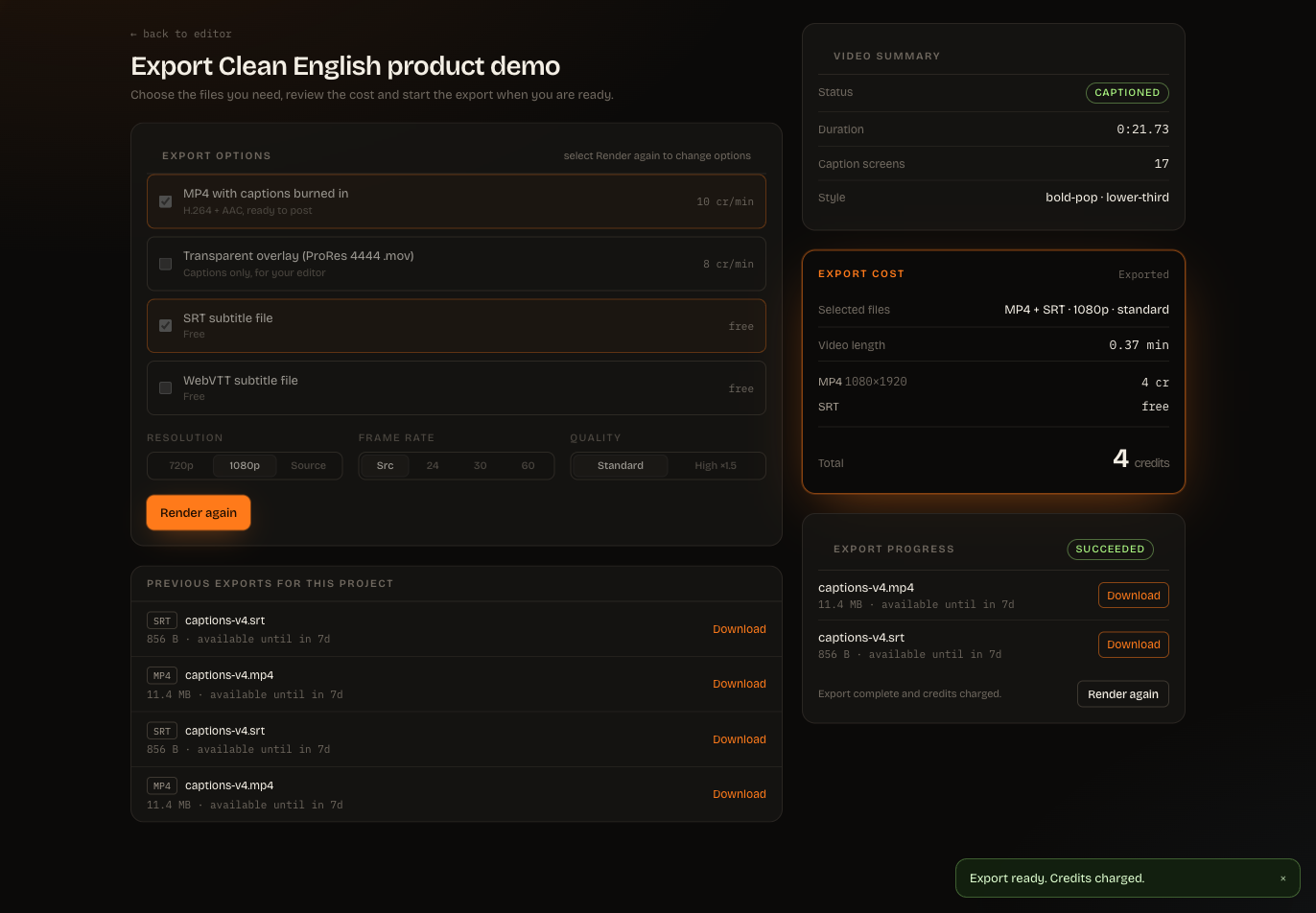
Use a preview before starting a final render. A preview is a short, low-resolution check of the current project version. It is free and rate limited.
The released export choices are:
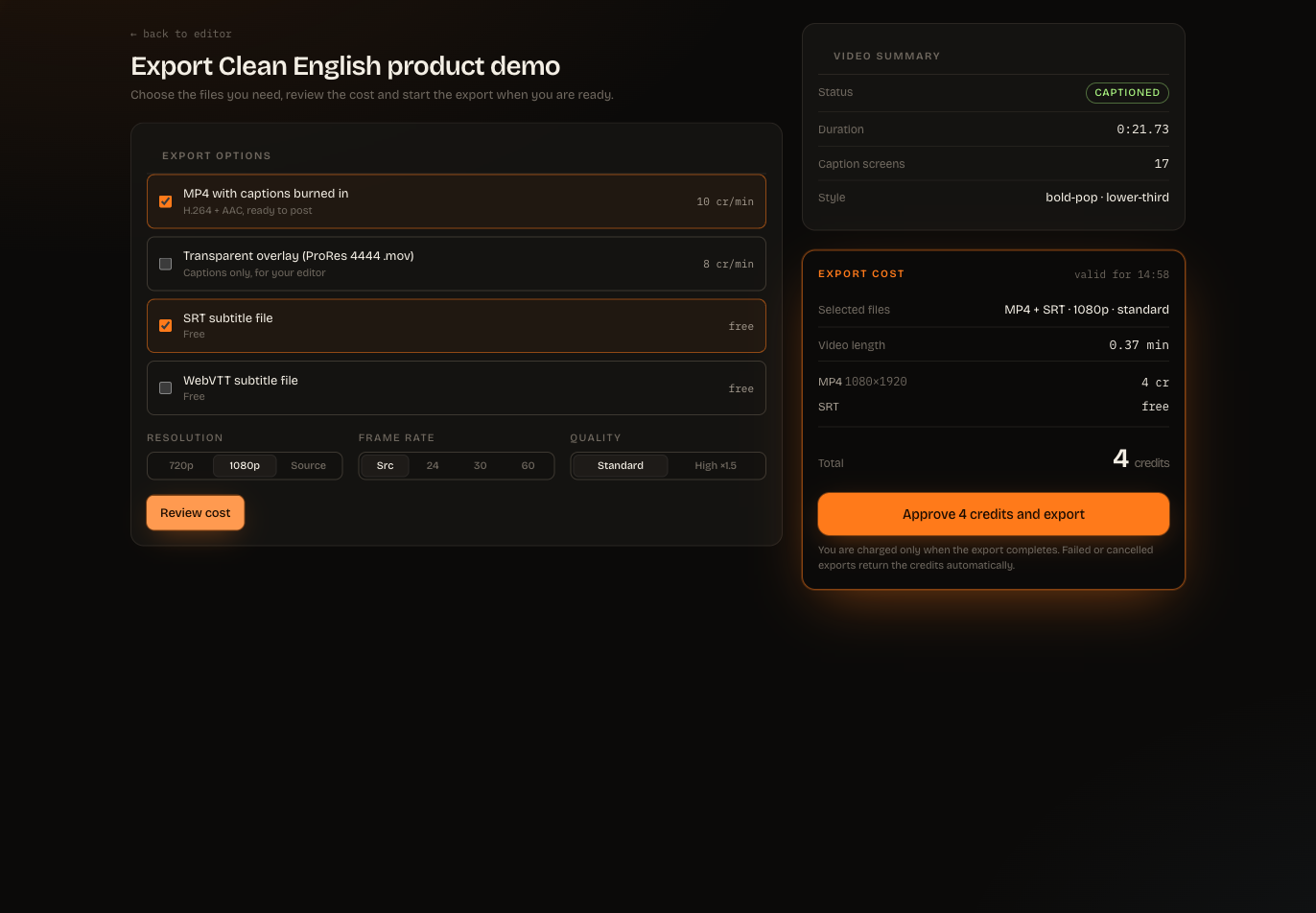
MP4 with captions burned in — a ready-to-post video;
transparent overlay — captions on transparency for use in an editor;
SRT — a widely supported subtitle file; and
VTT — a subtitle file commonly used on the web.
You can also choose resolution, frame rate and standard or high quality where available. Subtitle files do not add a credit cost.
Choose Review cost. ClipSubtitles returns an immutable quote tied to:
the exact project version and content;
the selected outputs;
resolution, frame rate and quality;
the current price version; and
an expiry time.
Nothing is reserved at this step. If you edit the project, change the output settings or let the quote expire, request a new quote.
Check the total and choose Approve … credits and export. Credits are reserved only after approval. They are charged once when the render succeeds and released if the render fails or is cancelled.
The render continues as a durable background task. When it succeeds, download the files from the project or Exports. Download links are signed and short-lived; the export itself remains available until its displayed retention date, and a new download link can be issued while the export exists.