ClipSubtitles turns the speech in a short video into timed captions you can correct, style and export.
Sign in, open New clip, and give the project a title if you want one. You can:
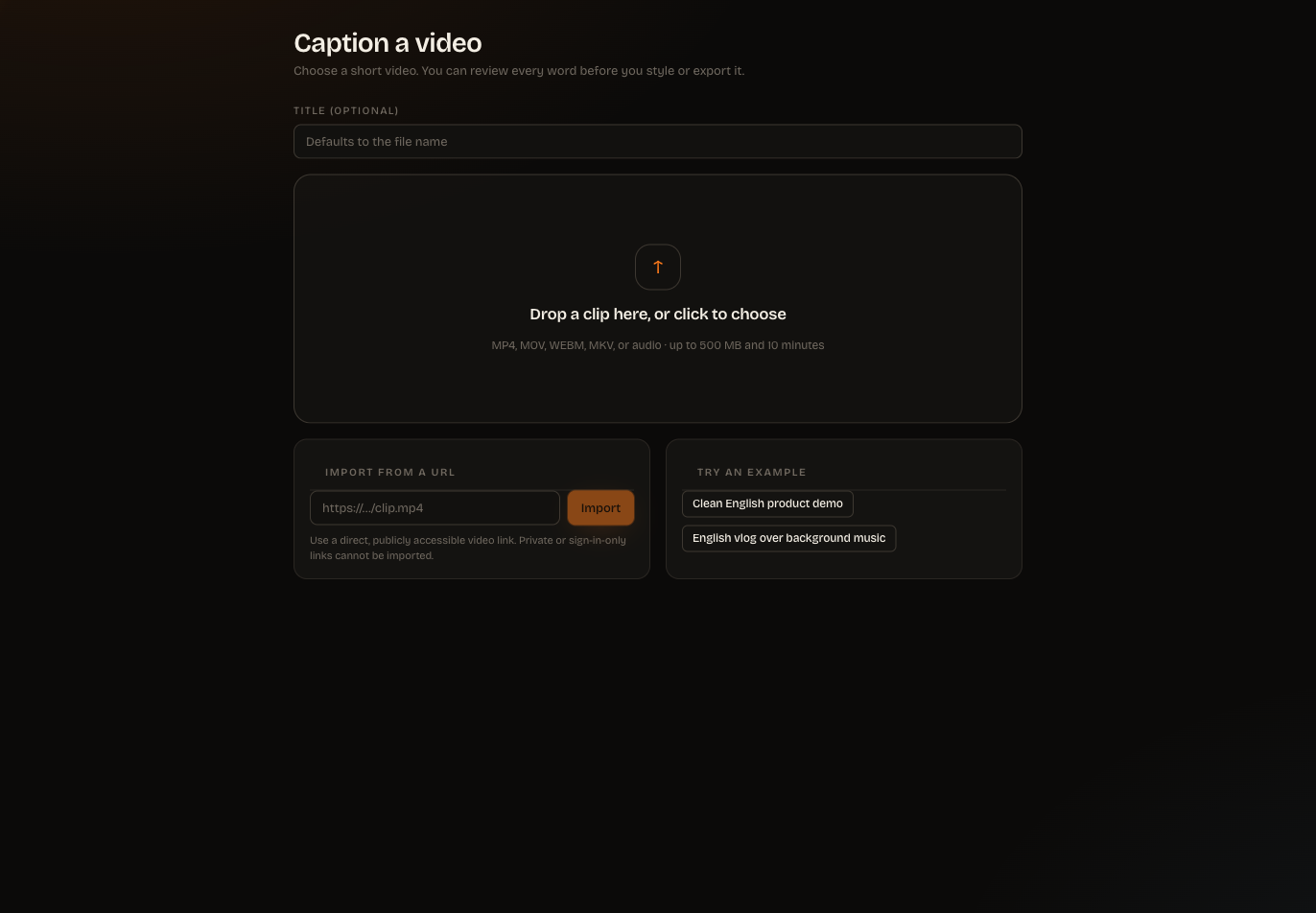
choose a video or audio file from your device; or
import a direct, publicly accessible media URL.
The current upload limit is 500 MB and 10 minutes. Supported source formats include MP4, MOV, M4V, WebM, MKV, MP3, WAV, M4A, AAC and OGG. A webpage, cloud-drive sharing page or sign-in-only link is not a direct media URL; download that file first and upload it instead.
When the source is ready, choose Generate captions. ClipSubtitles transcribes the speech, creates word timing and groups the words into caption screens. Longer jobs run in the background, so you can safely wait while progress updates.
Open the editor and play the clip. Select a caption screen to correct a word, adjust timing or change how the words are grouped. ClipSubtitles does not silently rewrite what the speaker said: every text change is explicit.
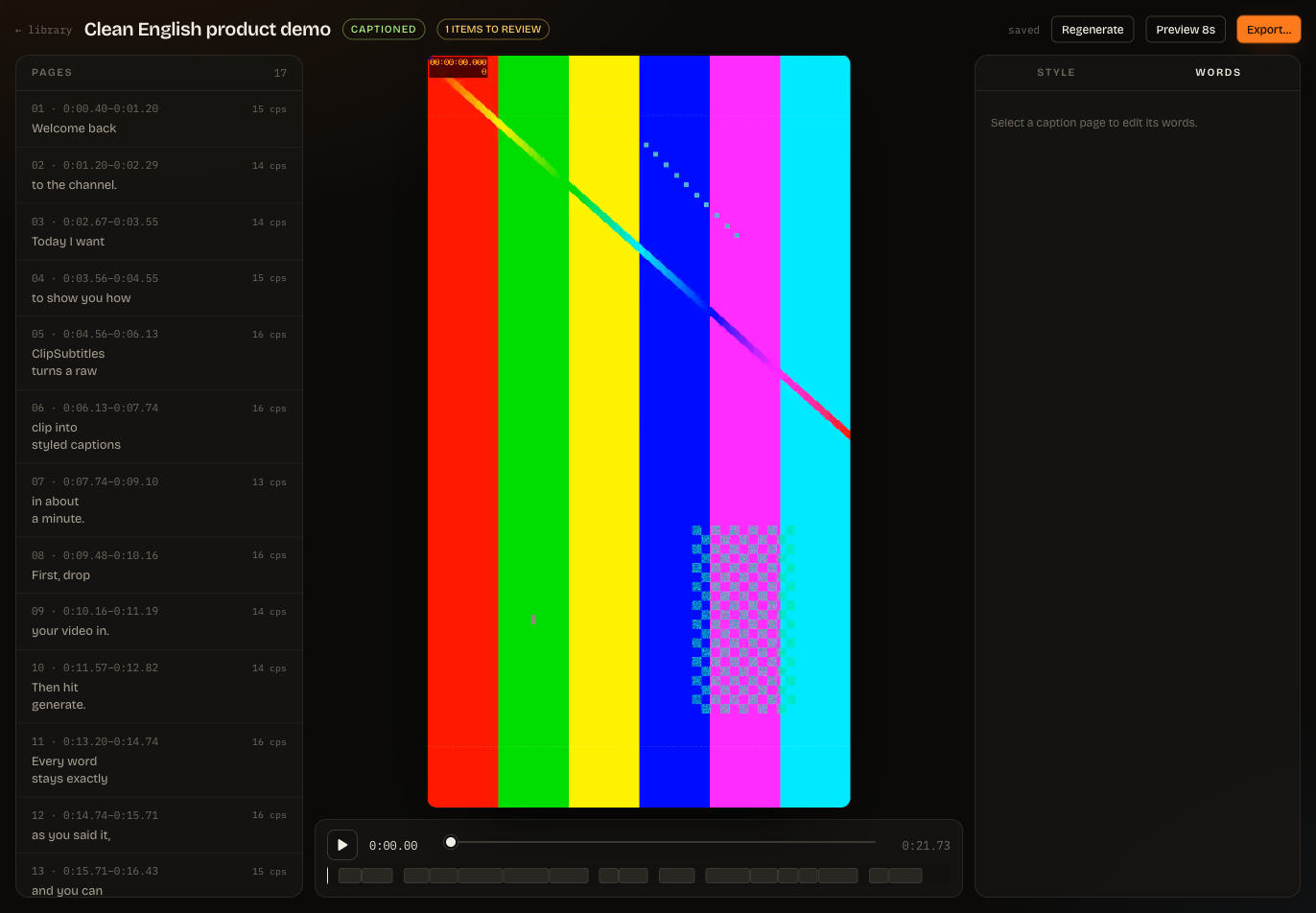
Open Style to choose a preset, motion and placement. Use a preview to check readability against the real video before exporting.
Choose the files you need. ClipSubtitles shows the exact credit cost before a paid video render starts. Check the settings and approve the quote only when you are ready. Subtitle-file exports are free.
Finished files appear in the project and in Exports until their retention window ends.
Tip: Correct the words before spending time on styling. A strong workflow is words first, look second, files last.
